Quick Start
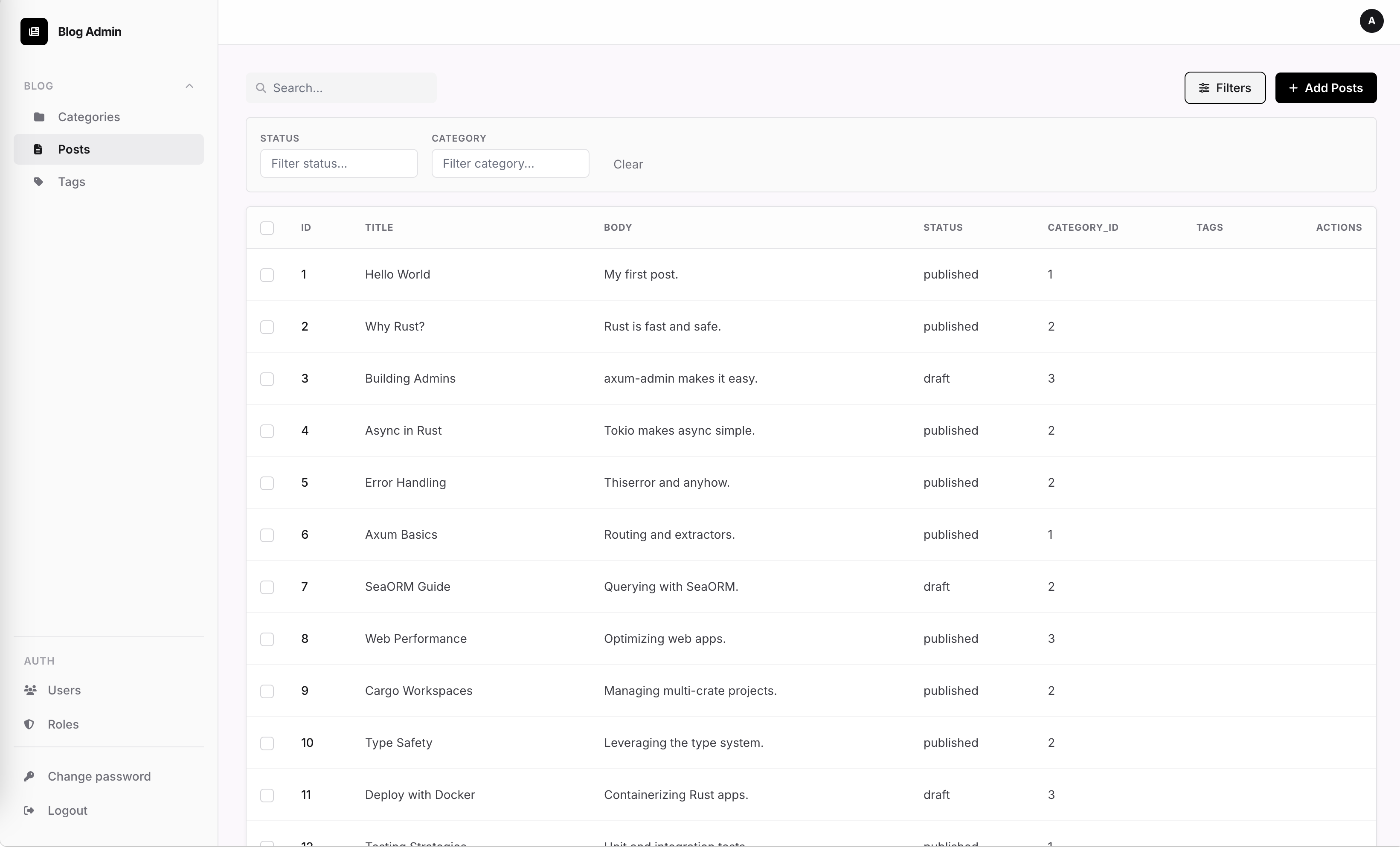
This guide gets you from zero to a running admin dashboard in 4 steps.
1. Set the database URL
export DATABASE_URL=postgres://user:password@localhost:5432/myapp
2. Create the admin user
SeaOrmAdminAuth::new() runs migrations automatically, then ensure_user seeds the first account (idempotent — safe to call on every startup):
use axum_admin::adapters::seaorm_auth::SeaOrmAdminAuth;

let auth = SeaOrmAdminAuth::new(db.clone()).await?;
auth.ensure_user("admin", "secret").await?;
3. Register entities and mount the router
use axum_admin::{AdminApp, EntityAdmin, Field};
use axum_admin::adapters::seaorm::SeaOrmAdapter;

let app = AdminApp::new()
    .title("My App Admin")
    .prefix("/admin")
    .seaorm_auth(auth)
    .register(
        EntityAdmin::new("posts")
            .label("Posts")
            .adapter(Box::new(SeaOrmAdapter::<post::Entity>::new(db.clone())))
            .field(Field::text("title").label("Title"))
            .field(Field::textarea("body").label("Body"))
    )
    .into_router()
    .await;

let router = axum::Router::new().merge(app);
4. Start the server
let listener = tokio::net::TcpListener::bind("0.0.0.0:3000").await?;
axum::serve(listener, router).await?;
Visit http://localhost:3000/admin and log in with the credentials from step 2.